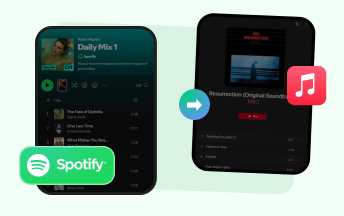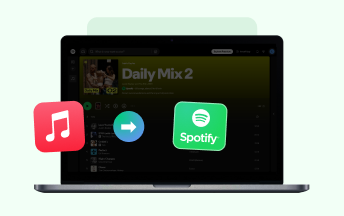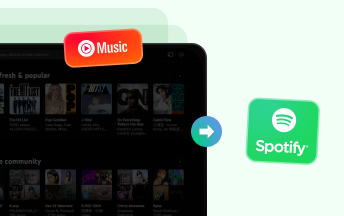
Switch music services without losing your curated playlists. One-click migration with 99% song-match accuracy — supports Spotify, Apple Music, Amazon Music, Tidal, Deezer, YouTube Music and beyond.
*Tips: Sidify is designed for personal, fair-use downloading.
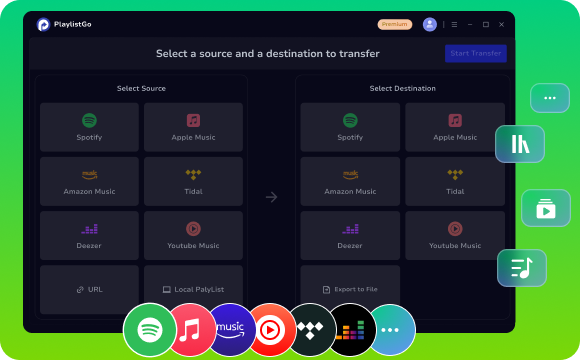











Move your entire music library between Spotify, Apple Music, YouTube Music, and more — with precise song-match accuracy. No rebuilding required.
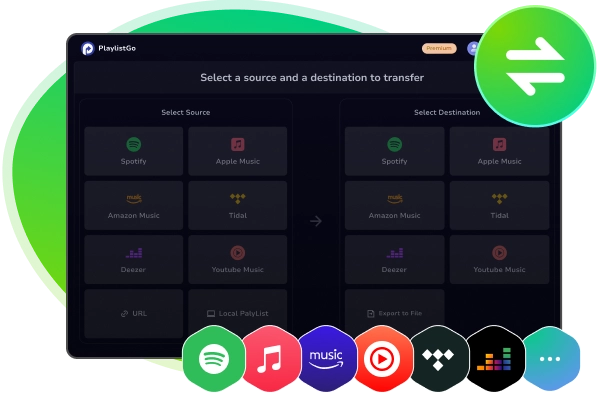

Switching platforms? This playlist transfer tool allows easy playlist migration between Spotify, YouTube Music, Apple Music, Amazon Music, Tidal, Deezer, and more, keeping your carefully curated playlists. Transfer in both directions with near-perfect accuracy.


The Playlist Transfer provides a pathway between offline collections and online services. It supports importing local playlist files - M3U, M3U8, PLS, XSPF, XML, CSV, XLS, XLSX, JSON, and TXT. The program reads the metadata from local files and matches the songs to the directory of the selected service.
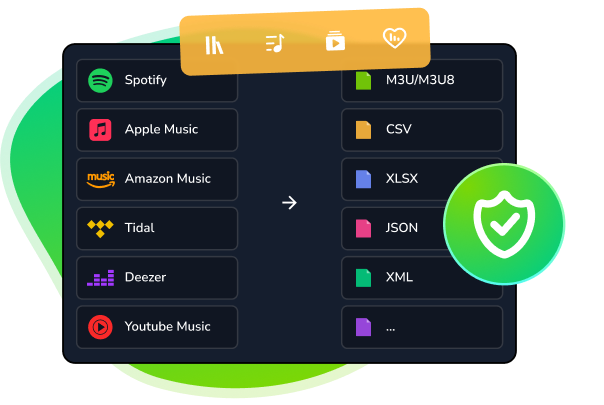

Your playlists are never lost. Online playlists, albums, and full music libraries from streaming platforms can be extracted and converted into offline, permanently downloadable playlist files in formats of M3U, M3U8, PLS, XSPF, XML, CSV, XLS, XLSX, JSON, or TXT.
Playlist Transfer helps create secure local accessible backups of the whole collected playlist streams. Exported playlist data can be incorporated into DJ software, media management tools, backup systems, or custom workflows for higher efficiency.
Transfer your whole music library at once — no more moving playlists one by one. Music Playlist Transfer lets you migrate your full catalog across platforms with a few simple steps.


Playlists Transferred
Supported Countries
Support Available
Average Match Rate
Connect to the source music platform and pick the playlists, albums, songs or the complete set of playlists to transfer.
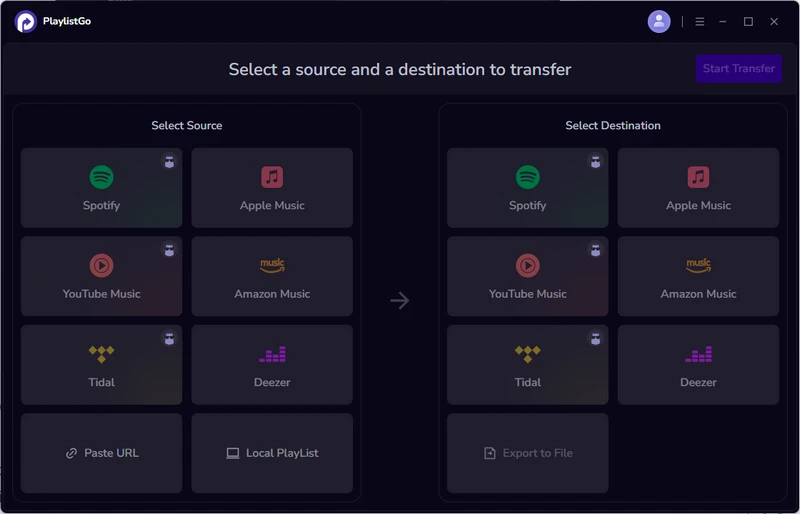
Choose another platform as the target platform to receive the playlists or library.

Review the matched tracks, then correct any missing or duplicate songs ahead of the transfer.
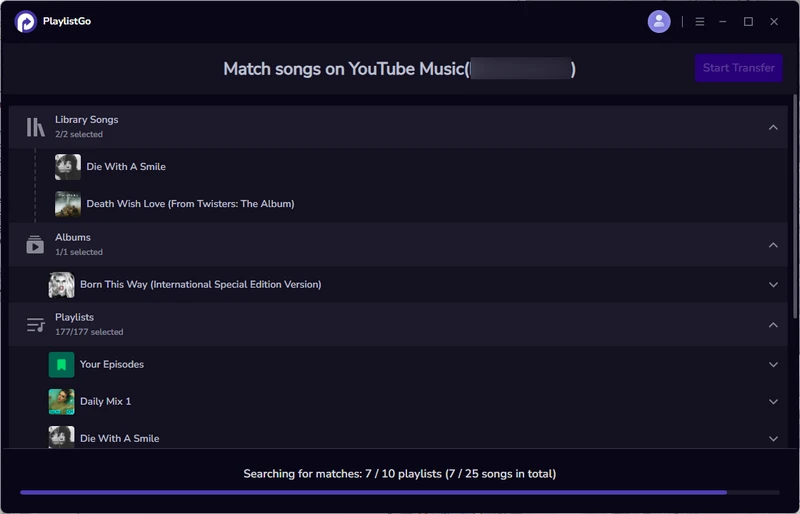
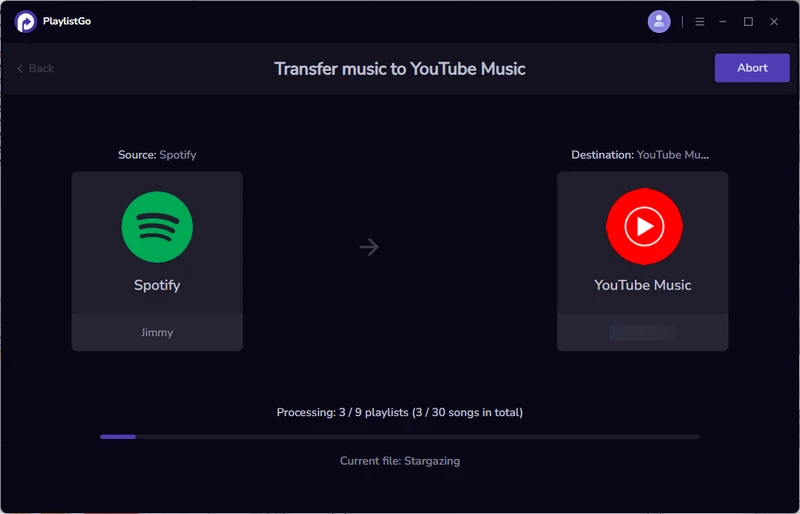
Start the transfer process, with your playlist order and details preserved when possible. You can view the progress during the transfer.


No Fee
Start from Billed Yearly
$2.07 /mo
Music Playlist Transfer recreates playlists, albums and liked songs from one streaming service to another. It matches tracks using metadata and audio characteristics, therefore preserving playlist order and artwork.
Our matching engine combines metadata and audio fingerprinting, resulting in high accuracy for mainstream tracks. Rare or region-locked tracks may require manual review, and the tool surfaces unmatched items so you can make replacements.
The free download allows you to test transfers and move smaller playlists (10 songs/playlist). Unlimited transfers and bulk migration features are available in paid versions. Pricing and plan details are shown in the Pricing section above.
Music Playlist Transfer supports all major services including Spotify, Apple Music, YouTube Music, Amazon Music, Tidal, Deezer, and more. The supported platform list is routinely updated with newly added services.
Yes. Importing and exporting playlist files (M3U, CSV, XLSX, etc.) is supported as a secondary option to help with backups or manual migrations. These file operations are available alongside the primary transfer workflow.
Unmatched tracks are listed before the transfer step. You can choose skip or export the unmatches as offline local M3U playlist. This program prioritizes keeping playlist integrity and notifying you of any gaps.
Yes. you will need to authorize the source and destination streaming accounts so Music Playlist Transfer can access playlists and transfer playlists on your behalf.
Yes. Account authorization is handled securely via the streaming services' own authentication flows. We do not store passwords, only temporary tokens where required and with user consent.
Yes. Transfers can be paused and resumed from the queue. Partial progress is preserved so you won't lose completed items if you need to continue later.
Yes. Custom playlists, as well as private and collaborative playlists, can all be included in the transfer without losing original setup.