
Explore in-depth music converter reviews, comparisons, features, pros and cons to find the right tool for your needs.
Playlists failing halfway? 320kbps files sound flat? We tested tracks, albums, and playlists with SpotMate. See our test results and find a better tool.
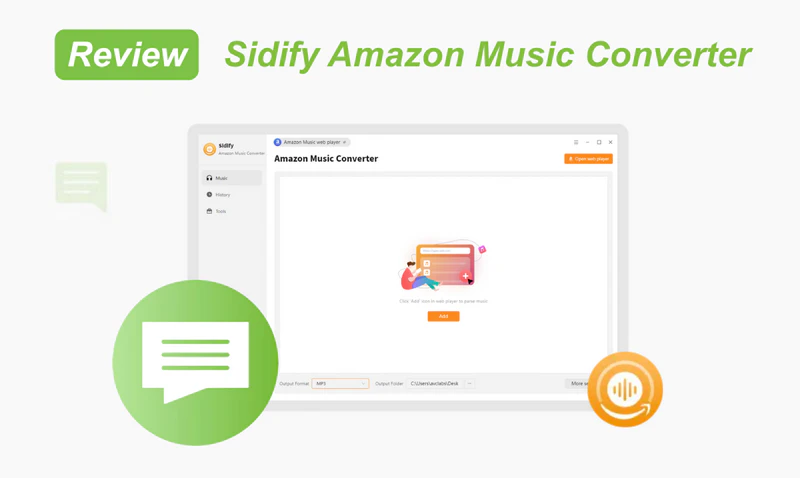
Read this Sidify Amazon Music Converter review covering features, audio quality, speed, pros & cons, pricing, and whether it is the best Amazon Music converter in 2026.
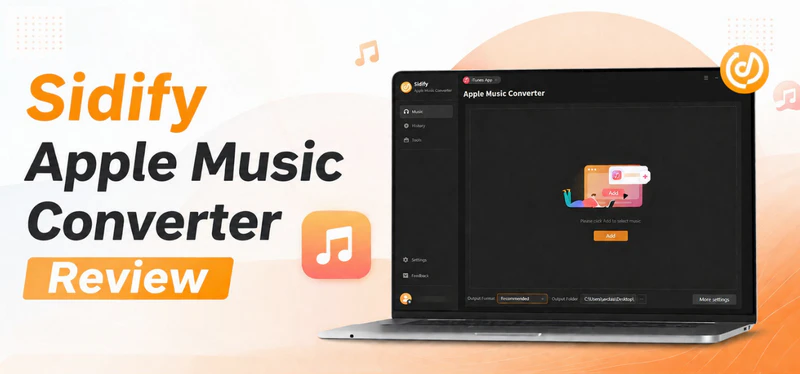
Sidify Apple Music Converter enables you to handle the full Apple Music playlists to MP3 or other formats, easy-to-use interface with simple 5 steps.
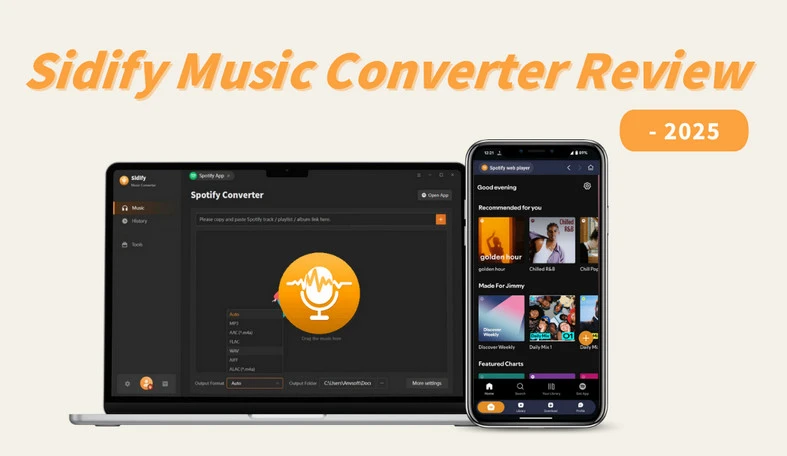
Is Sidify Still the Best Spotify Downloader? Dive in to explore a full review of Sidify Music Converter!
This article is a review about Viwizard Apple Music Converter. This review assesses Viwizard Apple Music Converter from comprehensive aspects. It can help you have a detailed understanding of Viwizard Apple Music Converter.
In this post, we provide an impartial overview of the TuneIf Spotify Music Converter based on our hands-on experience using the tool. Our goal is to give readers a comprehensive understanding of what to expect from TuneIf Spotibeat Audio Converter.
This comprehensive review will thoroughly evaluate the DRmare Spotify Music Converter's design, performance, features, and overall value proposition. Our objective is to offer a balanced assessment, helping you determine if this converter is the right fit for your music needs.
In this review, we dive into the ins and outs of the AudFree Spotify Music Converter. We'll explore its standout features, performance, and overall user experience. Buckle up as we explore whether this tool is a hit or miss in helping you get the most out of your Spotify library.
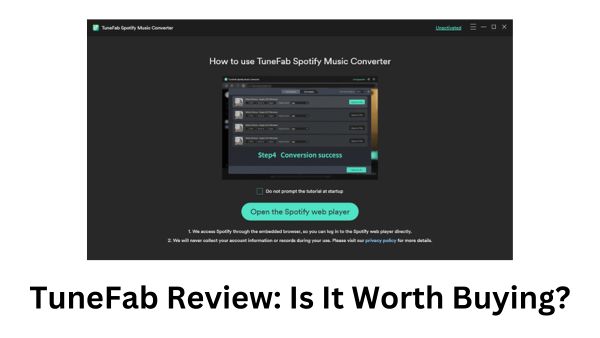
But is it worth buying? What are the pros and cons? Is TuneFab the top pick? Are there better choices out there? This article will address all these questions to provide you with a thorough review of TuneFab Spotify Music Converter.
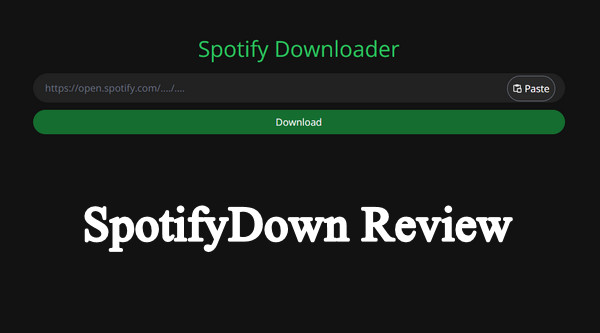
SpotifyDown is a free & easy-to-use online Spotify to MP3 converter. Despite its convenience, concerns about its safety and legitimacy have arisen from users. To shed light on this matter, we will delve into a thorough review of SpotifyDown in this article, aiming to provide insights to help you use it with confidence.
Viwizard Spotify Music Converter is a professional tool designed to convert Spotify tracks into MP3 and other popular formats. But is Viwizard worth buying? How does it work, and how well does it work? What are the pros and cons? How much does it cost? How’s its customer service and user feedback opinions?


Download and install Sidify Music Converter, then launch the program on your computer.

Drag and drop songs, albums, or playlists into the converter, or copy and paste the URL onto the panel.

Select output format (e.g., MP3, FLAC), adjust quality settings, and set the destination folder.

Click the 'Convert' button to start the process and wait for the conversion to complete itself.