



DJs can download music from paid music stores like Beatport, Traxsource, and Bandcamp, subscribe to DJ record pools such as DJcity and BPM Supreme for DJ-ready tracks and exclusive edits, or explore free downloads on platforms like SoundCloud. Each option offers different music genres, audio formats, and pricing models.
In this guide, we'll explore the best DJ music download sites, from professional DJ record pools to free and paid music platforms, to help you find high-quality tracks for your DJ sets.
📍 Also Read: Lofi Music Download | Soft Background Music MP3 Free Download
Best DJ Music Download Sites (Compared)
We compare the top DJ music platforms by audio quality, catalog depth, pricing, licensing, and DJ features.
| DJ Music Site | Best For | Pricing | Audio Formats | DJ Edits |
|---|---|---|---|---|
| Beatport | Electronic & EDM DJs | Per Track | MP3, WAV, AIFF | Limited |
| Traxsource | House & Deep House DJs | Per Track | MP3, WAV, AIFF | Limited |
| Bandcamp | Indie & Underground Music | Free / Paid | MP3, FLAC, WAV, AIFF | Varies |
| Juno Download | Dance & Electronic Music | Per Track | MP3, WAV, FLAC, AIFF | Limited |
| Qobuz | Lossless Downloads | Per Track / Album | FLAC, WAV, ALAC, MP3 | No |
| HDtracks | Hi-Res Music | Per Release | FLAC, WAV, AIFF, ALAC | No |
| DJcity | Club & Open-Format DJs | Subscription | MP3 | Yes |
| BPM Supreme | Wedding & Event DJs | Subscription | MP3 | Yes |
| Digital DJ Pool | Working & Radio DJs | Subscription | MP3 | Yes |
| SoundCloud | Free Remixes & Tracks | Free / Paid | Varies | Varies |
| Free Music Archive | Free Licensed Music | Free | MP3 (Varies) | No |
| Audius | Independent DJ Tracks | Free | Varies | Varies |
Best Music Download Stores for DJs (2026) — High-Quality DJ Tracks
Music stores let DJs buy and download tracks and albums from official catalogs. They focus on purchased releases and high-quality audio files.
Beatport — Best for Professional Electronic DJs
| Website: | https://www.beatport.com/ |
| Best For: | Electronic DJs, Club DJs, EDM Producers |
| Music Focus: | House, Techno, Trance, Drum & Bass, EDM |
| Pricing: | $1.29–2.49 per track, depending on the release and format. |
| Download Audio Quality: | MP3 (320 kbps), WAV, AIFF (lossless) |
| Metadata: | BPM and key information available for track analysis and mixing. |
| DJ Software Integration: | Supports Rekordbox, Serato DJ Pro, Traktor Pro, and VirtualDJ via Beatport Streaming. |
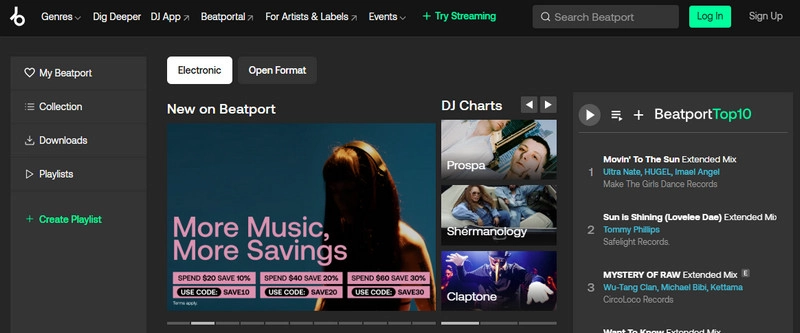
Beatport is an electronic music store where DJs can buy tracks from artists and labels, download the files, and add them to their DJ libraries.
Why DJs Choose Beatport
- Large electronic music catalog from major labels and independent artists
- Fast access to new releases, DJ charts, and label collections
- Advanced search filters including genre, BPM, key, and labels
- Official releases available as downloadable DJ files
Limitations
- Mainly focused on electronic music; limited options for pop, hip-hop, Latin, and other mainstream genres.
- Can be costly for large libraries
Traxsource — Best for House Music DJs
| Website: | https://www.traxsource.com/ |
| Best For: | House DJs, Deep House DJs, Soulful House DJs |
| Music Focus: | House, Deep House, Soulful House, Funky House, Disco, Afro House |
| Pricing: | Most around $1.29–$2.49 per track |
| Download Audio Quality: | MP3 (320 kbps), WAV, AIFF (lossless) |
| Metadata: | BPM and key information available for track analysis and mixing. |
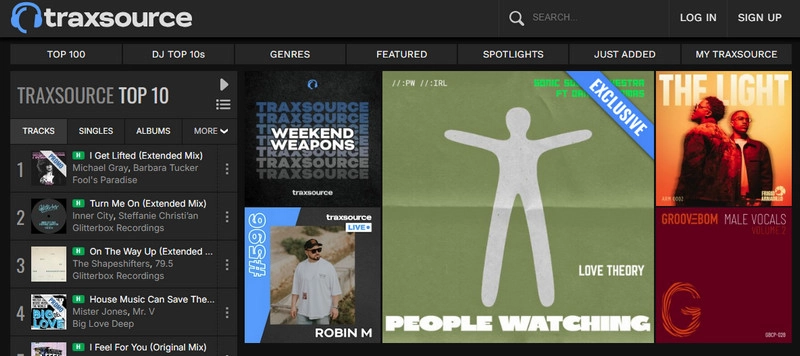
Traxsource is a digital music store dedicated to house music and related genres. DJs can find house releases, underground tracks, and music from independent labels.
Why DJs Choose Traxsource
- Deep house catalog with independent and specialist releases
- Curated charts, labels, and genre collections
- Strong selection of underground house tracks
- BPM, key, and label filters for DJs
Limitations
- Smaller catalog than Beatport
- Less variety outside house and electronic
Bandcamp — Best for Independent & Underground DJs
| Website: | https://bandcamp.com/ |
| Best For: | Independent DJs, Underground DJs, Music Collectors |
| Music Focus: | Electronic, Experimental, Ambient, Indie, Alternative |
| Pricing: | Pay per release; many with flexible pricing |
| Download Audio Quality: | MP3 (320 kbps), FLAC, WAV, AIFF, ALAC |
| Metadata: | Artist, album, genre, and release information included with downloads. |
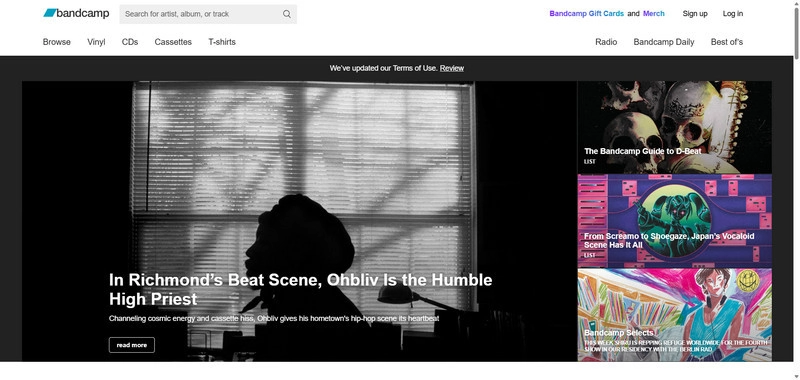
Bandcamp is a marketplace where independent artists and labels sell music directly to listeners. DJs use it to find underground releases, exclusive tracks, and music that may not appear on mainstream DJ stores.
Why DJs Choose Bandcamp
- Independent releases across electronic, experimental, ambient, and alternative genres
- Direct purchases from artists and labels
- Lossless downloads including FLAC, WAV, AIFF, and ALAC
- Exclusive releases and music not available on mainstream platforms
Limitations
- Limited DJ features such as BPM/key data, charts, and DJ playlists.
- Search relies more on artist pages and tags than DJ-specific tools.
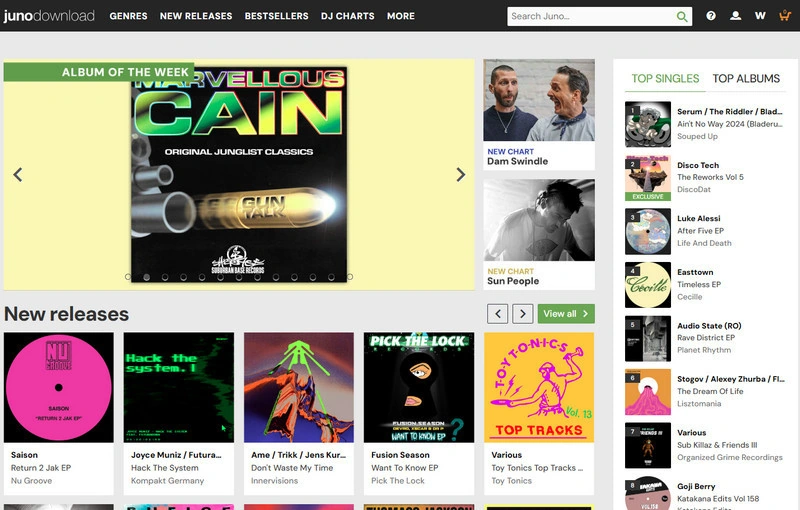
Juno Download — Best for Dance Music DJs
| Website: | https://www.junodownload.com/ |
| Best For: | Dance Music DJs, Electronic DJs, Genre Specialists |
| Music Focus: | House, Techno, Drum & Bass, Hardcore, Garage, Trance, Breakbeat |
| Pricing: | Most around $1.00–$2.50 per track |
| Download Audio Quality: | MP3 (320 kbps), WAV, FLAC, AIFF |
| Metadata: | Track information including BPM, genre, and release details available for music organization. |
Juno Download is a digital music store specializing in electronic and dance music. DJs can find genre-specific releases, specialist labels, and electronic tracks that are often less common on mainstream platforms.
Why DJs Choose Juno Download
- Specialist electronic and dance music catalog
- Detailed genre categories for specific scenes and subgenres
- Independent labels and niche electronic releases
- Multiple download formats including MP3, WAV, and FLAC
Limitations
- Limited DJ-specific tools
- More traditional store interface
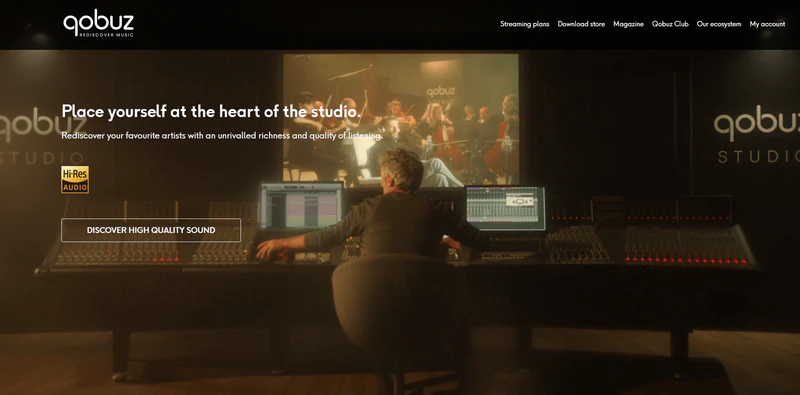
Qobuz — Best for High-Resolution Music Downloads
| Website: | https://www.qobuz.com/ |
| Best For: | DJs, Producers, Audiophile Music Collectors |
| Music Focus: | Electronic, Jazz, Classical, Rock, Pop, All Genres |
| Pricing: | Pay per album or track. |
| Download Audio Quality: | FLAC (Hi-Res), WAV, ALAC, MP3 (320 kbps) |
| Metadata: | Artist, album, genre, and release information included with downloads. |
| DJ Software Integration: | No direct integration. Downloaded files can be used with DJ software such as Rekordbox, Serato DJ Pro, and Traktor Pro. |
Qobuz is a high-resolution music download store known for lossless and Hi-Res Audio releases. While it is not a DJ-specific platform, it is a strong option for DJs and producers who prioritize maximum audio quality.
Why DJs Choose Qobuz
- Hi-Resolution Audio Downloads
- Lossless FLAC and Hi-Res Audio downloads with higher sample rates and bit depths.
- Large Multi-Genre Catalog
- Electronic, jazz, classical, rock, pop, and other genres in one library.
- Detailed Music Metadata
- Album, artist, and release information included with downloads.
Limitations
- Not DJ-specific,
- Smaller electronic catalog
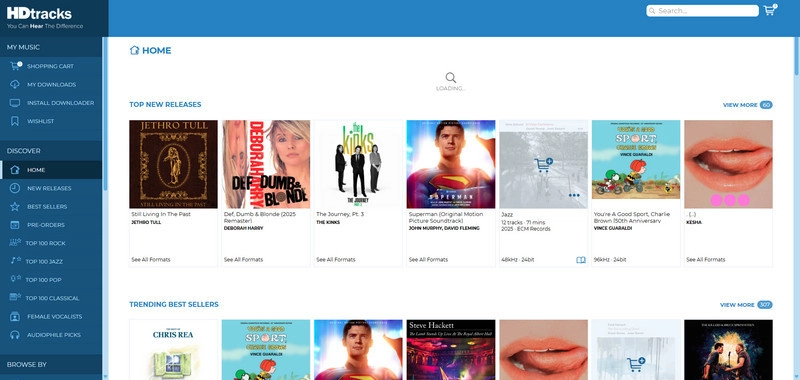
HDtracks — Best for Hi-Resolution Audio Collections
| Website: | https://www.hdtracks.com/ |
| Best For: | DJs, Producers, Audiophile Music Collectors |
| Music Focus: | Rock, Jazz, Classical, Electronic, Pop, All Genres |
| Pricing: | Pay per release. |
| Download Audio Quality: | FLAC, WAV, AIFF, ALAC, Hi-Res for select releases |
| Metadata: | Artist, album, genre, and release information included with downloads. |
HDtracks is a high-resolution music download store focused on premium audio releases. It provides lossless and Hi-Res Audio downloads for users who want higher-quality music files than standard compressed formats.
Why DJs Choose HDtracks
- Hi-Res FLAC, WAV, AIFF, and ALAC downloads for selected releases.
- Large album catalog covering rock, jazz, classical, electronic, and other genres.
- Focuses on audio quality rather than DJ-specific features.
Limitations
- Not DJ-focused
- Smaller electronic selection
DJ Record Pools — Best for Professional DJs
Subscription services that offer DJ-ready tracks, including clean edits, intro/outro edits, remixes, acapellas, and instrumentals. Ideal for club, wedding, and open-format DJs.
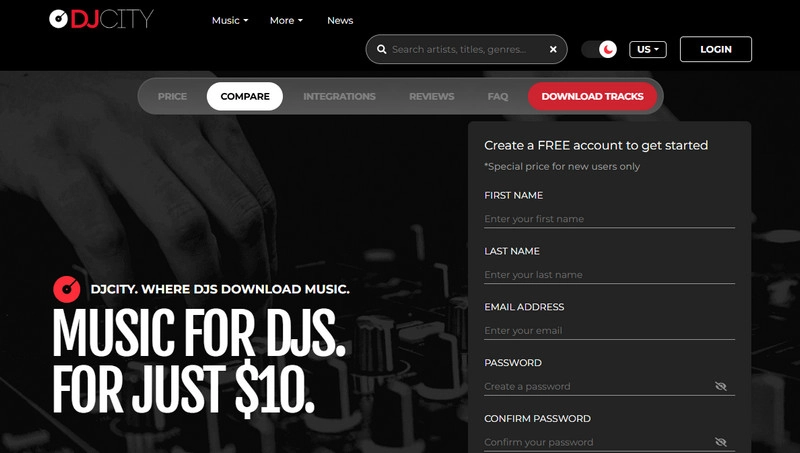
DJcity — Best for Club DJs
| Website: | https://www.djcity.com/ |
| Best For: | Club DJs, Open-Format DJs, Mobile DJs |
| Music Focus: | Hip-Hop, Pop, R&B, Latin, Dance, EDM |
| Pricing: | 10–30/month subscriptions |
| Download Audio Quality: | MP3 (320 kbps) |
| DJ Edits: | Clean versions, intro edits, outro edits, acapellas, instrumentals, and remixes. |
| DJ Software Integration: | No direct streaming integration. Downloaded tracks can be used with DJ software such as Rekordbox, Serato DJ Pro, and Traktor Pro. |
DJcity is one of the most recognized DJ record pools, providing a large library of DJ-ready tracks for club, mobile, and open-format DJs. Unlike traditional music stores, DJcity focuses on versions and edits designed for live DJ performances.
Why DJs Choose DJcity
- Large open-format catalog covering hip-hop, pop, R&B, Latin, dance, and EDM.
- DJ-ready edits, remixes, acapellas, and instrumental versions.
- Frequent updates with new releases and trending tracks.
- Large subscription-based library for working DJs.
Limitations
- Mainly focused on open-format and commercial music
- Subscription cost may not be worthwhile for casual DJs
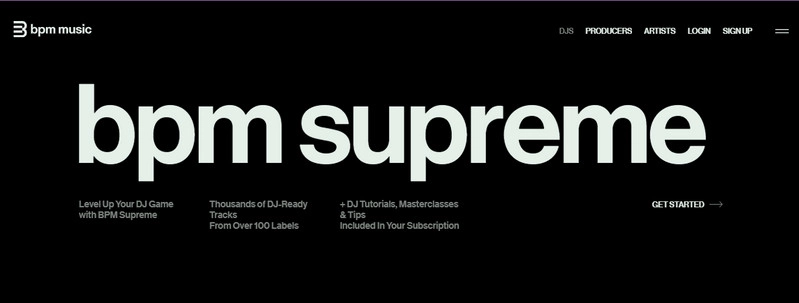
BPM Supreme — Best for DJ Music Libraries
| Website: | https://www.bpmsupreme.com/ |
| Best For: | Professional DJs, Event DJs, Open-Format DJs |
| Music Focus: | Hip-Hop, Pop, R&B, Latin, Dance, EDM, Throwbacks |
| Pricing: | Starts around $19.99/month |
| Download Audio Quality: | MP3 (320 kbps) |
| DJ Edits: | Clean versions, intro edits, remixes, instrumentals, acapellas, and DJ-friendly versions. |
BPM Supreme is a DJ record pool designed for DJs who need a large and organized music library. It provides curated collections, frequent updates, and DJ-ready versions across multiple popular genres.
Why DJs Choose BPM Supreme
- Large commercial and event-focused music catalog.
- Organized playlists, genres, and collections.
- Regular updates with new releases and DJ versions.
- Clean edits, intro edits, remixes, and other DJ-ready versions.
Limitations
- More focused on mainstream and event music than underground electronic scenes.
- Requires an ongoing subscription, which may not be ideal for DJs who only need occasional downloads.
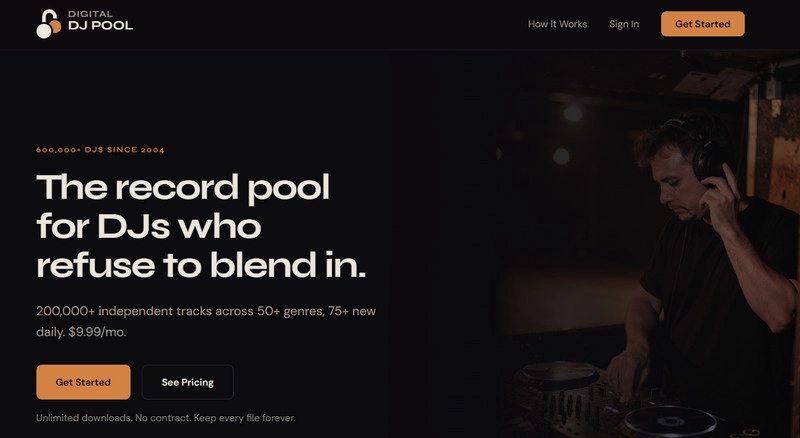
Digital DJ Pool — Best for Working DJs
| Website: | https://digitaldjpool.com/ |
| Best For: | Working DJs, Club DJs, Radio DJs, Mobile DJs |
| Music Focus: | Hip-Hop, Pop, R&B, Dance, EDM, Latin, Reggae |
| Pricing: | Starting at $25/month |
| Download Audio Quality: | MP3 (320 kbps) |
| DJ Edits: | Clean versions, intro edits, acapellas, instrumentals, remixes, and DJ-friendly versions. |
Digital DJ Pool is a DJ record pool that provides curated music downloads for professional and working DJs. It focuses on helping DJs quickly access updated tracks, promotional releases, and DJ-ready versions for live performances.
Why DJs Choose Digital DJ Pool
- Promotional releases across popular DJ genres.
- Broad commercial catalog including hip-hop, pop, R&B, EDM, Latin, and reggae.
- Clean edits, intro versions, instrumentals, acapellas, and remixes.
- Frequent updates with new releases.
Limitations
- Less specialized electronic focus
- Subscription required
Best Free DJ Music Download Sites
Free DJ music sources are useful for discovering free tracks, remixes, and MP3 downloads. Before downloading, check audio quality and licensing terms to ensure the music can be used as intended. Below are the best free DJ music sources to explore.
SoundCloud — Best for Free DJ Tracks & Remixes
| Website: | https://soundcloud.com/ |
| Best For: | DJs Discovering New Tracks, Remix Seekers, Independent DJs |
| Music Focus: | Electronic, House, Techno, Hip-Hop, Remixes, DJ Mixes |
| Pricing: | Free access, with optional paid plans for extra features |
| Download Audio Quality: | Varies by upload. |
| Download Availability: | Available when enabled |
SoundCloud is one of the largest platforms for discovering independent artists, DJ remixes, and underground tracks. Unlike traditional music stores, SoundCloud allows artists to upload music directly, making it a popular place for finding new sounds and unreleased music.
Why DJs Choose SoundCloud
- Independent music community with tracks from artists, producers, and DJs. Remix, bootleg, and underground music discovery.
- Early access to demos, previews, and new releases.
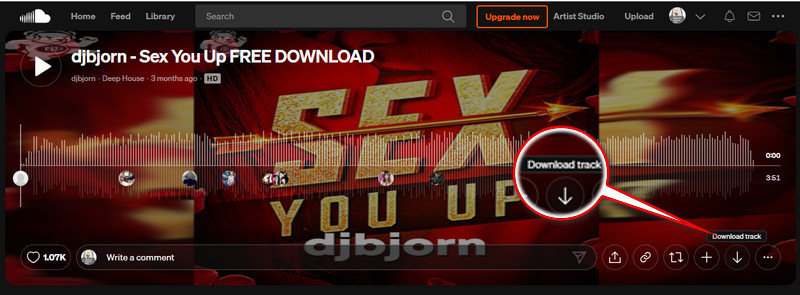
- Downloads available for selected artist-uploaded tracks.
Limitations
- Download availability depends on the artist;
- Audio quality and metadata are inconsistent;
- No guaranteed DJ-specific features
See also: How to Download SoundCloud Playlists to MP3
Free Music Archive — Best for Free Legal Music
| Website: | https://freemusicarchive.org/ |
| Best For: | Beginner DJs, Content Creators, DJs Looking for Free Licensed Tracks |
| Music Focus: | Electronic, Ambient, Hip-Hop, Jazz, Rock, Experimental |
| Pricing: | Free downloads. |
| Download Audio Quality: | MP3 (varies by track) |
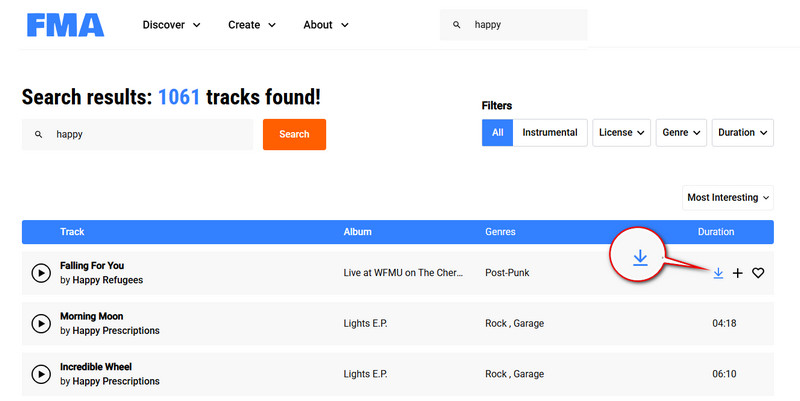
| Download Availability: | Most tracks are available for direct download. |
Free Music Archive is a free music library that provides access to downloadable tracks from independent artists and creators. It is a useful option for DJs who need free music sources with clearer licensing information.
Why DJs Choose Free Music Archive
- Free downloads without buying individual tracks. Clear licensing details for performances, videos, and other uses. Electronic, experimental, instrumental, and other genres. Independent releases not always available on commercial platforms.
Limitations
- Lacks BPM/key info, DJ charts, and curated DJ playlists
- audio quality and catalog depth can be limited
Audius — Best for Independent DJ Music Discovery
| Website: | https://audius.co/ |
| Best For: | Independent DJs, Electronic Music Fans, New Music Discovery |
| Music Focus: | Electronic, Hip-Hop, Dance, Independent Music |
| Pricing: | Free access. |
| Download Audio Quality: | Varies by artist uploads |
| Download Availability: | Depends on artist uploads |
Audius is a music discovery platform focused on independent artists and emerging creators. It is useful for DJs who want to discover new sounds, underground releases, and artists before they become widely available on larger platforms.
Why DJs Choose Audius
- Independent platform for emerging artists and producers. Strong electronic music community. Direct artist uploads and new releases. Free music discovery without buying individual tracks.
Limitations
- Download availability depends on artist settings;
- Smaller catalog than larger platforms;
- Fewer DJ tools
How to Choose the Right DJ Music Download Site?
The best DJ music download site depends on your music style, budget, and mixing needs. Here are four things to consider:
- Music Genre: Beatport and Traxsource are great for electronic music, while DJ record pools like DJcity offer a broader selection of hip-hop, pop, and DJ edits.
- Audio Quality: Look for 320kbps MP3, WAV, or AIFF downloads to ensure reliable sound quality for your DJ sets.
- Pricing: Choose between pay-per-track stores and subscription-based DJ pools depending on how often you download music.
- DJ-Friendly Tracks: If you need extended mixes, intro edits, or clean versions, prioritize platforms that offer DJ-specific releases.
DJ Music Playlist — Best Sources for Finding New Tracks
DJ playlists help DJs discover new tracks, explore music trends, and prepare sets. The best platforms offer strong recommendations, genre-based playlists, and easy music discovery.
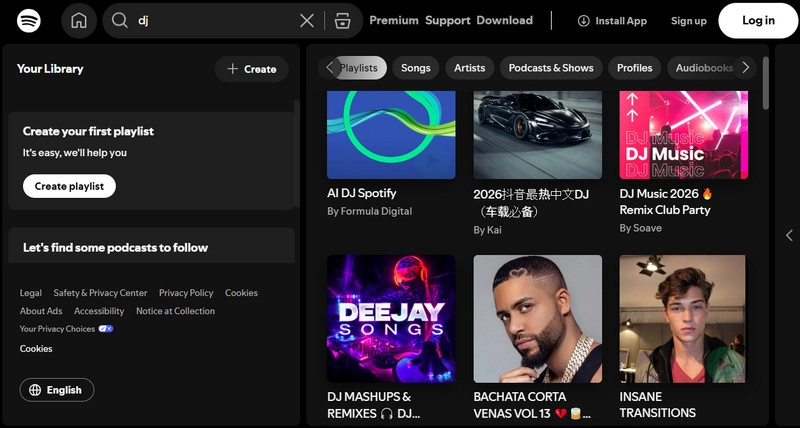
Spotify — Best for DJ Playlist Discovery
| Website: | https://www.spotify.com/ |
| Best For: | DJs Discovering New Tracks, Beginners, Music Research |
| Music Focus: | All Genres, including Electronic, Hip-Hop, Pop, Dance, Latin |
| Pricing: | Free / Premium subscription ($12.95 per month) |
| Audio Quality: | Up to 320 kbps Ogg Vorbis (Premium) |
| Playlist Features: | Curated playlists, algorithm recommendations, personalized mixes, and genre-based discovery. |
| DJ Software Integration: | Rekordbox, djay, and Serato |
Spotify is one of the most widely used platforms for discovering music.While it does not provide traditional DJ downloads, many DJs use Spotify to explore new tracks, follow trends, and organize ideas before purchasing or adding music to their DJ libraries.
Why DJs Choose Spotify
- Strong recommendations, editorial playlists, and genre discovery.
- Large catalog across electronic, hip-hop, pop, Latin, and other genres.
- Playlists and trends for DJ music research.
- Custom playlists for saving track ideas.
Limitations
- Music cannot be downloaded as standard audio files for DJ software;
- No DJ performance features like BPM or key analysis
Found your next DJ track on Spotify? Sidify helps save Spotify playlists to 320kbps MP3 or Spotify Lossless FLAC.
Free & Royalty-Free Music for DJs
Royalty-free music platforms provide tracks with clearer licensing terms for use in videos, livestreams, and online content.
Pixabay Music — Best for Free Royalty-Free Music
| Website: | https://pixabay.com/music/ |
| Best For: | Content Creators, DJs, Streamers, Video Projects |
| Music Focus: | Electronic, Ambient, Pop, Cinematic, Background Music |
| Pricing: | Free downloads. |
| Download Audio Quality: | MP3 (varies by track) |
| License: | Free use for many personal and commercial projects. Users should check the specific license terms for each track. |
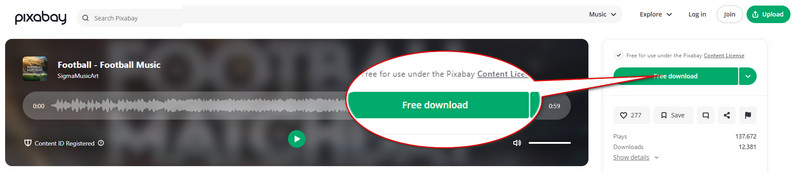
Pixabay Music provides free downloadable tracks designed for creators who need copyright-friendly audio for videos, livestreams, and online content. It is a useful option for DJs and creators looking for free music without purchasing individual tracks.
Why DJs Choose Pixabay Music
- Free music downloads with clear usage rights.
- License details available for checking commercial and personal use.
- Better suited for videos, livestreams, and content projects than DJ performances.
Limitations
- Not focused on club-ready DJ tracks;
- Lacks DJ features like BPM and extended mixes
How to Download Music for DJ from Streaming Platforms
DJs often discover tracks and build playlists on Spotify, Apple Music, Amazon Music, YouTube Music, TIDAL, and other streaming platforms. If you use these services for DJing, you can also learn how to DJ with Apple Music, DJ with TIDAL, or DJ with Amazon Music. However, streaming access is different from having local audio files that can be organized as part of a DJ library.
For DJs who already use streaming services for music discovery, Sidify All-In-One provides a different workflow from buying individual tracks or joining a DJ record pool.
Sidify All-In-One — Download Music for Your DJ Library
| Website: | https://www.sidify.com/all-in-one-windows.html |
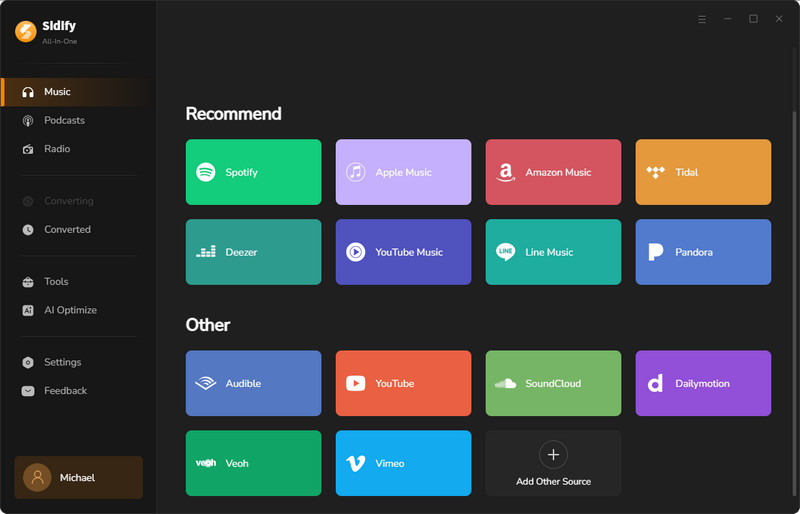
| Supported Platforms: | Spotify, Apple Music, Amazon Music, YouTube Music, SoundCloud, TIDAL, Deezer, Beatport, and other supported streaming services. |
| Output Formats: | MP3, FLAC, WAV, AIFF, ALAC, and AAC |
| Metadata: | Title, artist, album, artwork, genre, and other track information. |
| Library Workflow: | Process playlists and albums in batches, then organize the resulting local files for a DJ library. |
Sidify is not a replacement for a DJ music store or record pool. It serves a different workflow for DJs who already use streaming platforms for music discovery and playlist building.
Why DJs Choose Sidify
- Download music from multiple supported streaming platforms
- Save music in MP3, FLAC, WAV, AIFF, ALAC, and AAC
- Process playlists and albums in batches
- Preserve useful metadata such as title, artist, album, artwork, and genre
- Organize local files for a DJ library workflow
Limitations
- Requires a paid subscription for full features.
- It does not provide DJ-specific edits such as clean versions, intro edits, acapellas, or extended mixes; DJ record pools are better for those needs.
How DJs Can Use Sidify in Their Workflow
Step 1: Add a Playlist or Album
Open Sidify, choose a supported music source, and add the tracks, album, or playlist you want to organize.
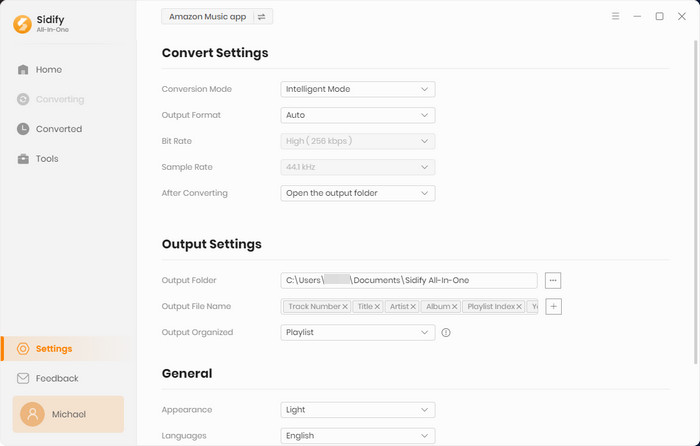
Step 2: Choose a DJ-Friendly Audio Format
Choose an output format based on your DJ workflow. MP3 is convenient for larger libraries, while WAV, AIFF, or FLAC may be preferred when higher-quality local files are needed. Keep useful metadata such as title, artist, album, artwork, and genre when available.
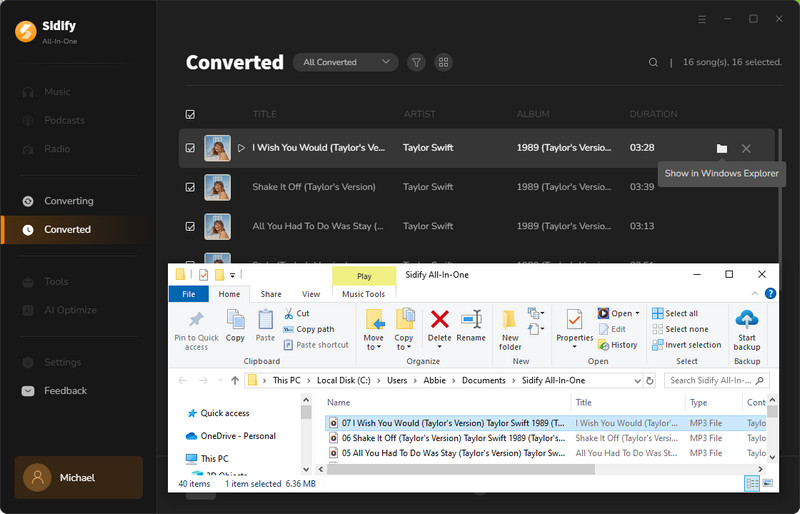
Step 3: Organize the Files in Your DJ Library
After processing, organize the local audio files and import them into your preferred DJ software for analysis, cue preparation, playlist management, and set preparation.
Related guides: import Spotify songs to Rekordbox, use Spotify music with Serato DJ Pro, and add Spotify music to Traktor Pro.
How We Evaluate DJ Music Download Sites
We reviewed each source based on the information and DJ workflow factors below. Where download availability, pricing, formats, or licensing vary by plan, track, or region, users should verify the current details on the platform before downloading.
Music Catalog: Number of tracks, genre diversity, access to new releases
Audio Quality: Supported formats, bitrate options, availability of lossless audio
DJ Features: BPM/key metadata, DJ edits, playlists, charts, and search tools
Pricing: Pay-per-track, subscription models, and availability of free downloads
Discovery & Updates: Ease of finding new music, recommendations, and library updates
Licensing: Download rights, usage terms, and commercial use policies
FAQs on DJ Music Download
1. Where do DJs get their music?
DJs get music from DJ record pools, digital music stores, free music platforms, streaming services, and royalty-free libraries.
2. What is the best DJ music download site?
There is no single best option. Beatport is popular for electronic music, DJcity and BPM Supreme for DJ pools, and Bandcamp for independent releases.
3. How can I download DJ songs for free?
You can find free DJ tracks on platforms like SoundCloud, Audius, and Free Music Archive. Always check download availability and licensing terms.
4. Can DJs download music from Spotify?
Spotify does not provide local audio files for DJ software. Tools like Sidify can help save Spotify music as local files and build a personal music library.
5. Where can DJs download music for their sets?
DJs commonly download music from digital stores such as Beatport, Traxsource, Bandcamp, and Juno Download, or use DJ record pools such as DJcity and BPM Supreme. Free tracks may also be available from platforms such as SoundCloud, Free Music Archive, and Audius, depending on the artist and licensing terms.
6. Do DJs need WAV files?
WAV provides lossless audio quality, but MP3 320 kbps can also be suitable depending on the DJ setup.
Conclusion
The best music download sites for DJs depend on your music style, budget, and workflow. Beatport and Traxsource are strong choices for professional electronic music, DJ record pools help build large performance libraries, and platforms like Bandcamp provide access to unique independent releases.
For DJs who discover new tracks on Spotify, Apple Music, or other streaming platforms, Sidify provides a way to turn those playlists into local music files, making it easier to build a larger DJ music library without manually finding each track.
 Sidify All-In-One Music Converter
Download streaming songs, albums, and playlists to MP3 with 100% original quality.












